While developing an indie app recently, I've been styling my apps to closely match Apple's built-in software as I tend to do. As it happens, there's a feature in Notes on iPad that I really like:
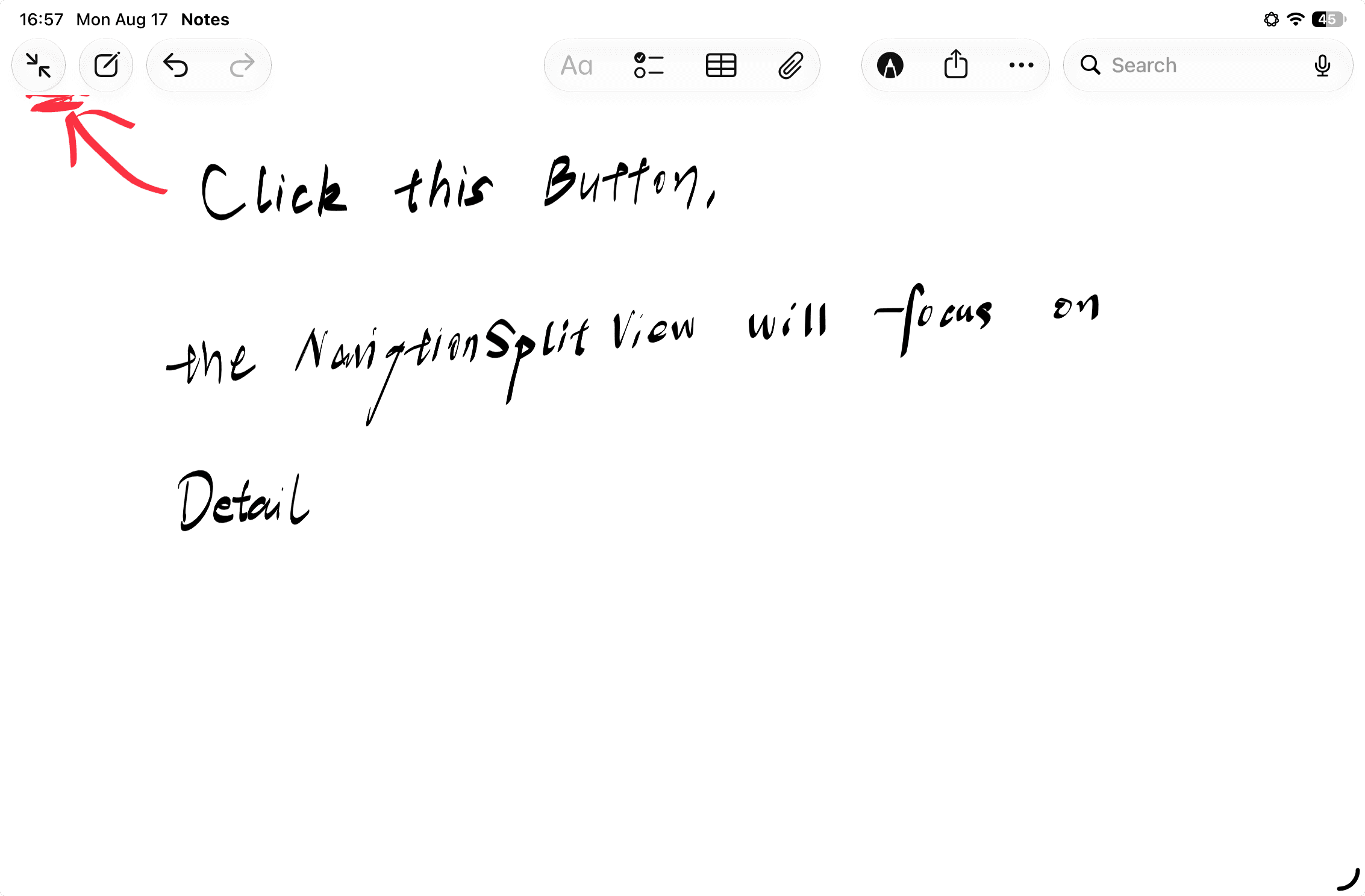
This button lets you focus on the detail view of a NavigationSplitView.
Ask AI for a solution in a pure SwiftUI project, and the answer is to declare a button in the Toolbar that, when tapped, sets the columnVisibility property of the NavigationSplitView to .detailOnly.
While browsing the UISplitViewController (opens in a new tab) documentation today, I came across the property showsSecondaryOnlyButton (opens in a new tab). Set it to true and you get the very same button:

The takeaway is that, given the current state of SwiftUI, some features that require real effort in a pure SwiftUI project can be implemented quickly in UIKit — or are even built-in features it supports out of the box. So learning UIKit, or at least understanding it, is still worthwhile.